AI transcription is the easy part.
Cleaning up subtitles for Final Cut Pro is the hard part.
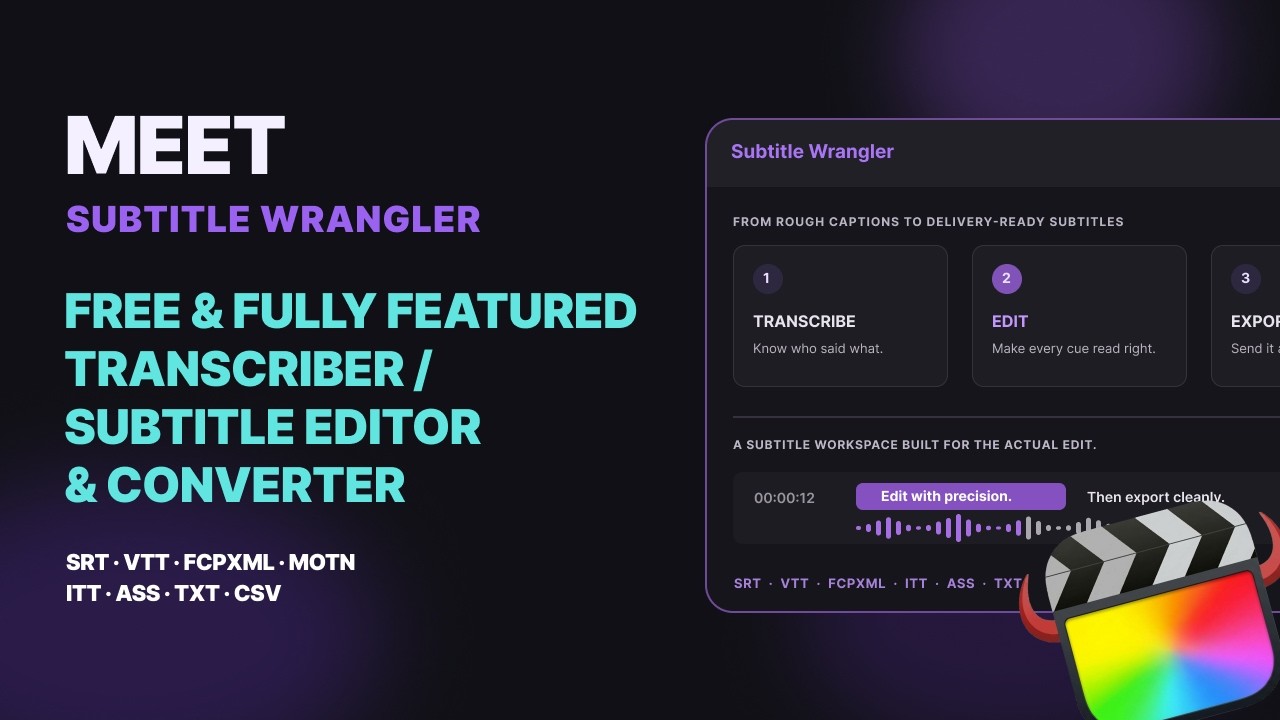
Whisper, Parakeet and Final Cut Pro itself can turn speech into words in minutes. What still takes the afternoon is everything after: wrong names, lines that break mid-phrase, timing that is almost right, and a re-edit that knocks it all out of sync. Subtitle Wrangler is built for that part.
What is still broken after transcription
-
Wrong words
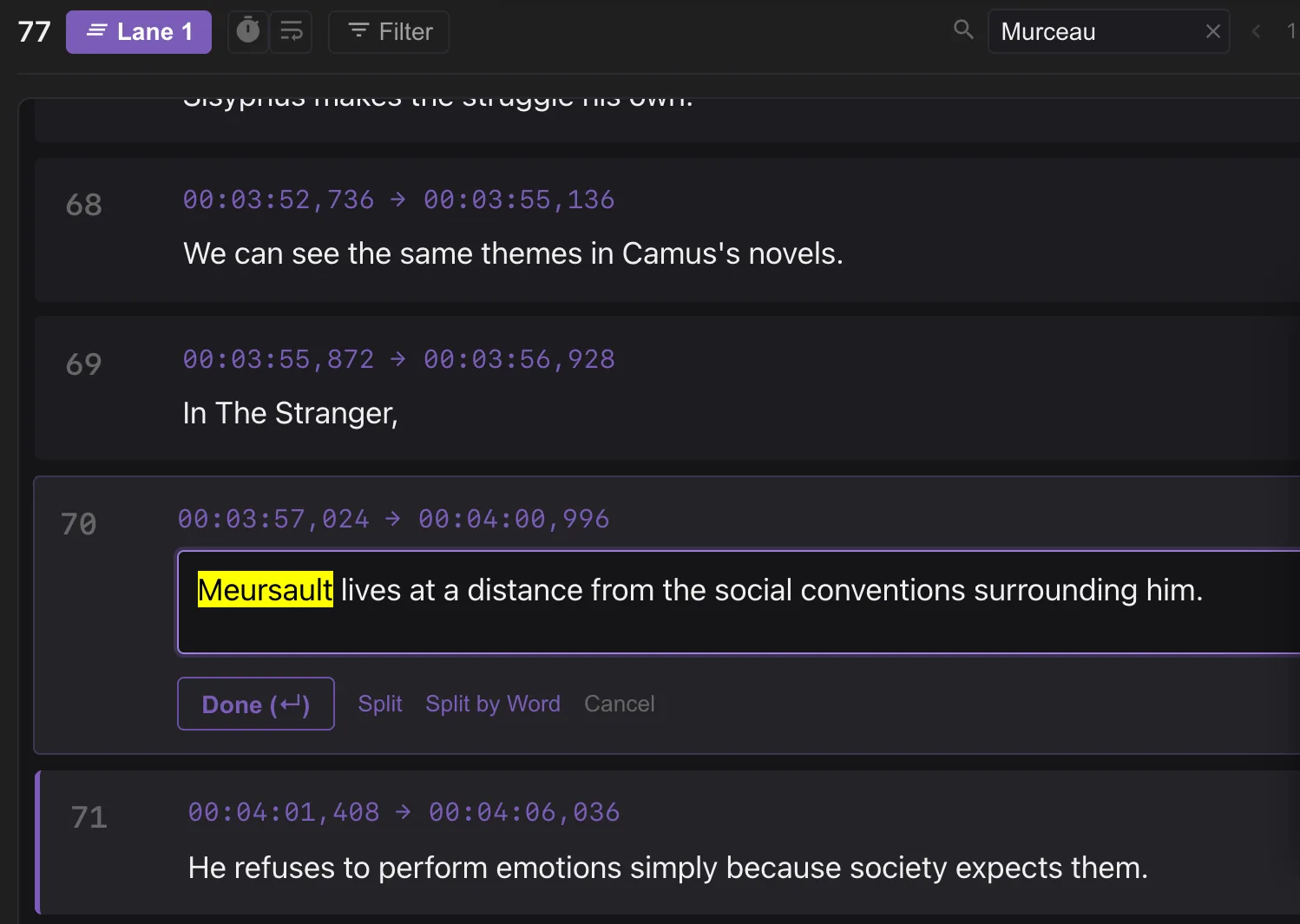
In this interview about Camus, the AI heard the narrator of The Stranger as “Murceau”. It is Meursault. Names, titles and technical terms are exactly what a speech model cannot know. Search for the wrong word and use Replace to fix every copy in one step — or double-click a single line to fix it by hand. Across a long transcript, an AI agent that knows the topic can find and fix these for you while you watch.
-
Lines that break in the wrong place
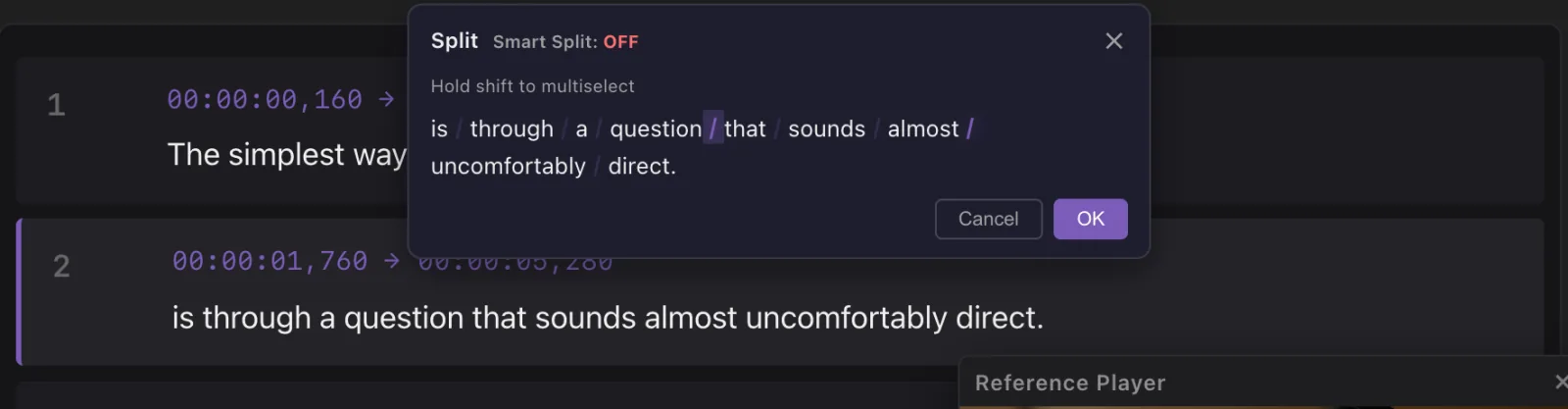
A transcript is sentences, not subtitles. Lines run long or break mid-phrase. Press B, click the word where the line should break, and it splits there; ⌘J joins two lines back. Filter finds every line longer than you allow.
-
Timing that is almost right
Starts a beat late, ends a beat early, two lines overlap. On the waveform you see the speech under every subtitle, and dragging an edge fixes it. The Reference Player shows each line over your picture while you work.

-
A re-edit knocks everything out of sync
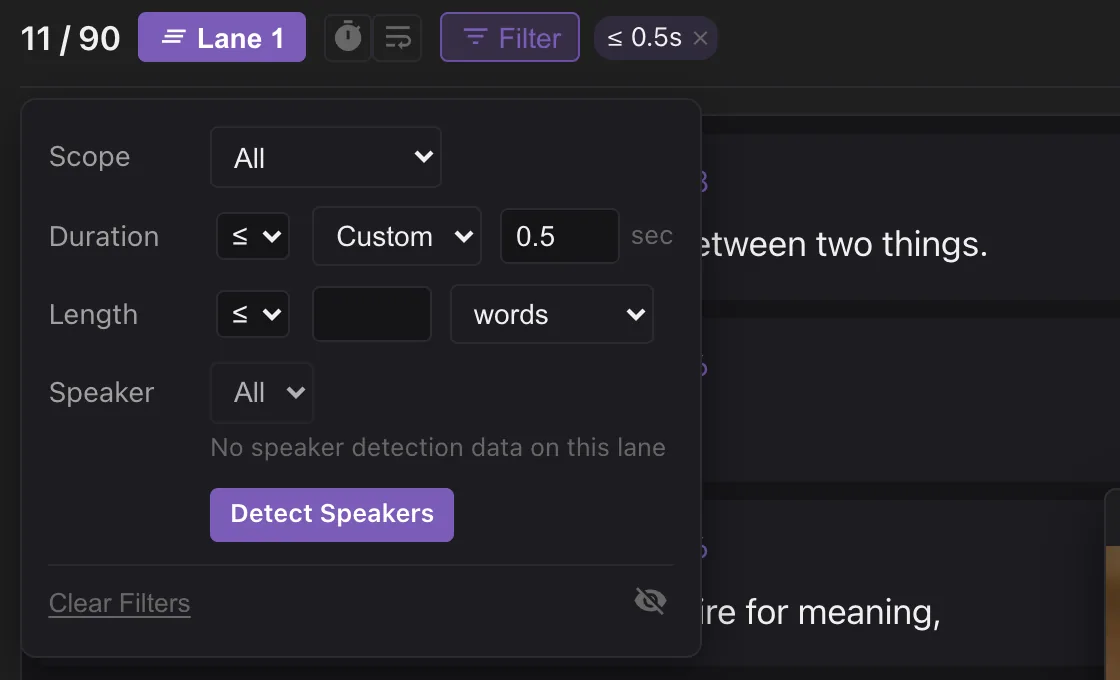
Cut thirty seconds from the middle and every subtitle after it is late. Full Realign listens to the new cut and moves each line back to where it is spoken. Lines from the part you cut end up squeezed at the cut, a few milliseconds long — filter by duration to find and delete them.
Guide: How to fix subtitles that are out of sync after a re-edit →
-
The repetitive part, automated
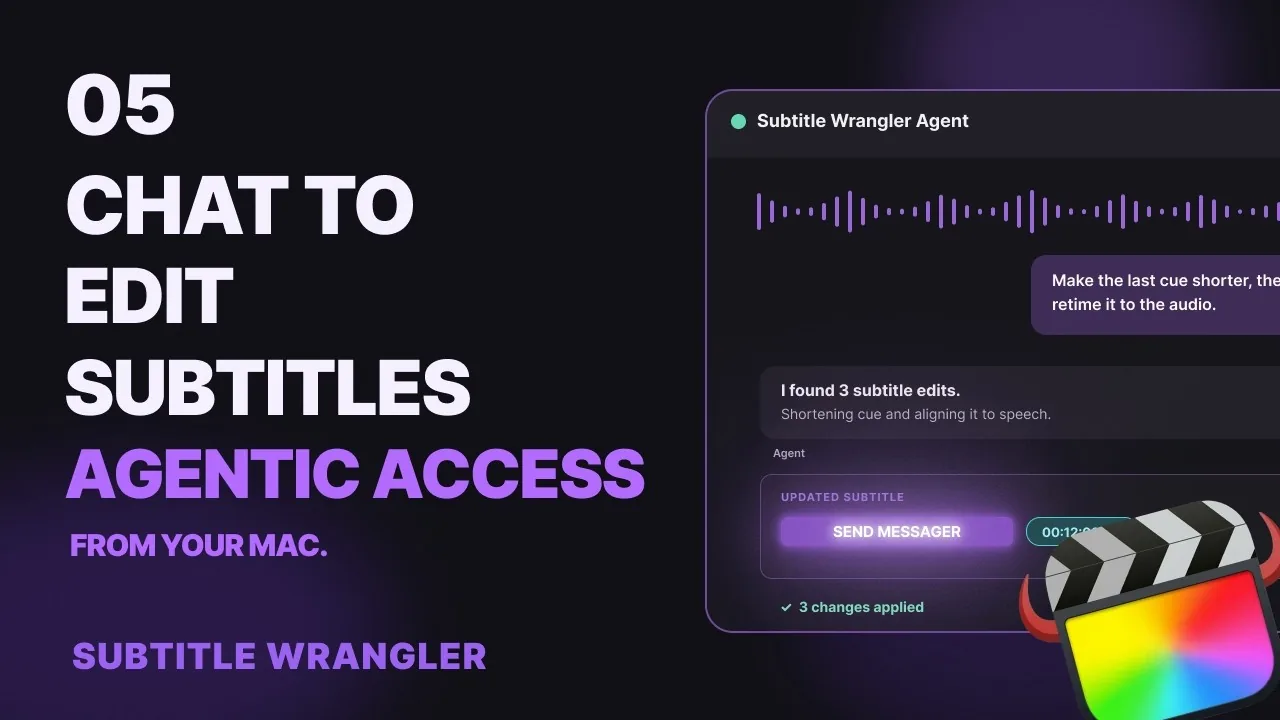
Some cleanup is the same every time: filler words, stutters, house style, a translation pass. Subtitle Wrangler strips filler words as it transcribes, and an AI agent such as Claude or Codex can work in your open project alongside you — you watch every edit, and can step in or undo any time.
In short
Isn’t AI transcription accurate enough now?
For the words, often very close — in widely spoken languages with clean audio. But subtitles also need line breaks that read well and timing that matches the cut, and a transcript has neither by default. Names and jargon still need a human eye.
Can’t Final Cut Pro do this?
Final Cut Pro can transcribe to captions and, since 12.3, import an SRT and convert captions to titles. Fixing hundreds of lines there is still one clip at a time. Subtitle Wrangler gives you the whole transcript as a list and a waveform, then sends it back in one import.
I have a script. Do I need transcription at all?
No. Paste it, load the recording and click Full Realign: every line is timed to the speech without changing a word.
Does it upload my video?
No. Transcription, alignment and editing all run in your browser, on your computer.
Is it free?
Yes. No account, nothing to install. It runs in Chrome, Safari or Edge; the AI features need WebGPU.