How to transcribe video to
subtitles for Final Cut Pro
— free, on your computer
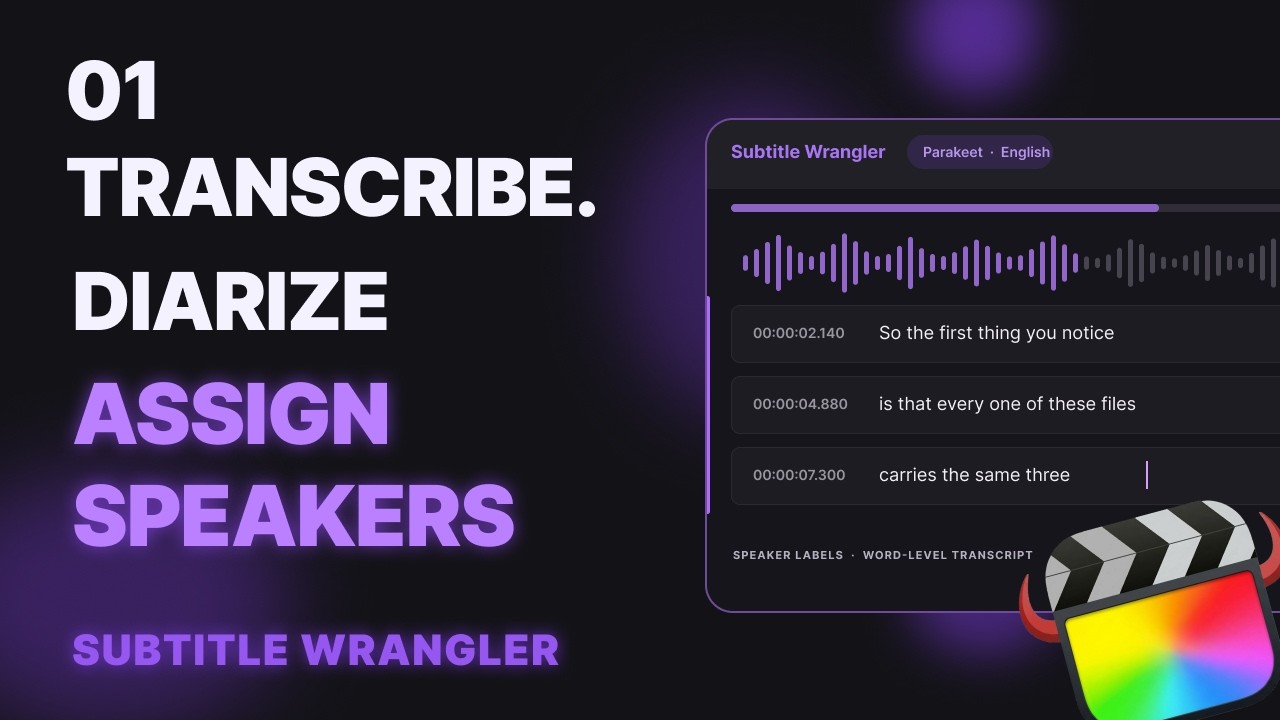
Load your video in Subtitle Wrangler and click Transcribe: a local AI model turns the speech into subtitles. Fix them in the editor — split, join and retime on the waveform — then export .fcpxml titles and import them into Final Cut Pro. Free, nothing uploaded.
Steps
-
Load your video
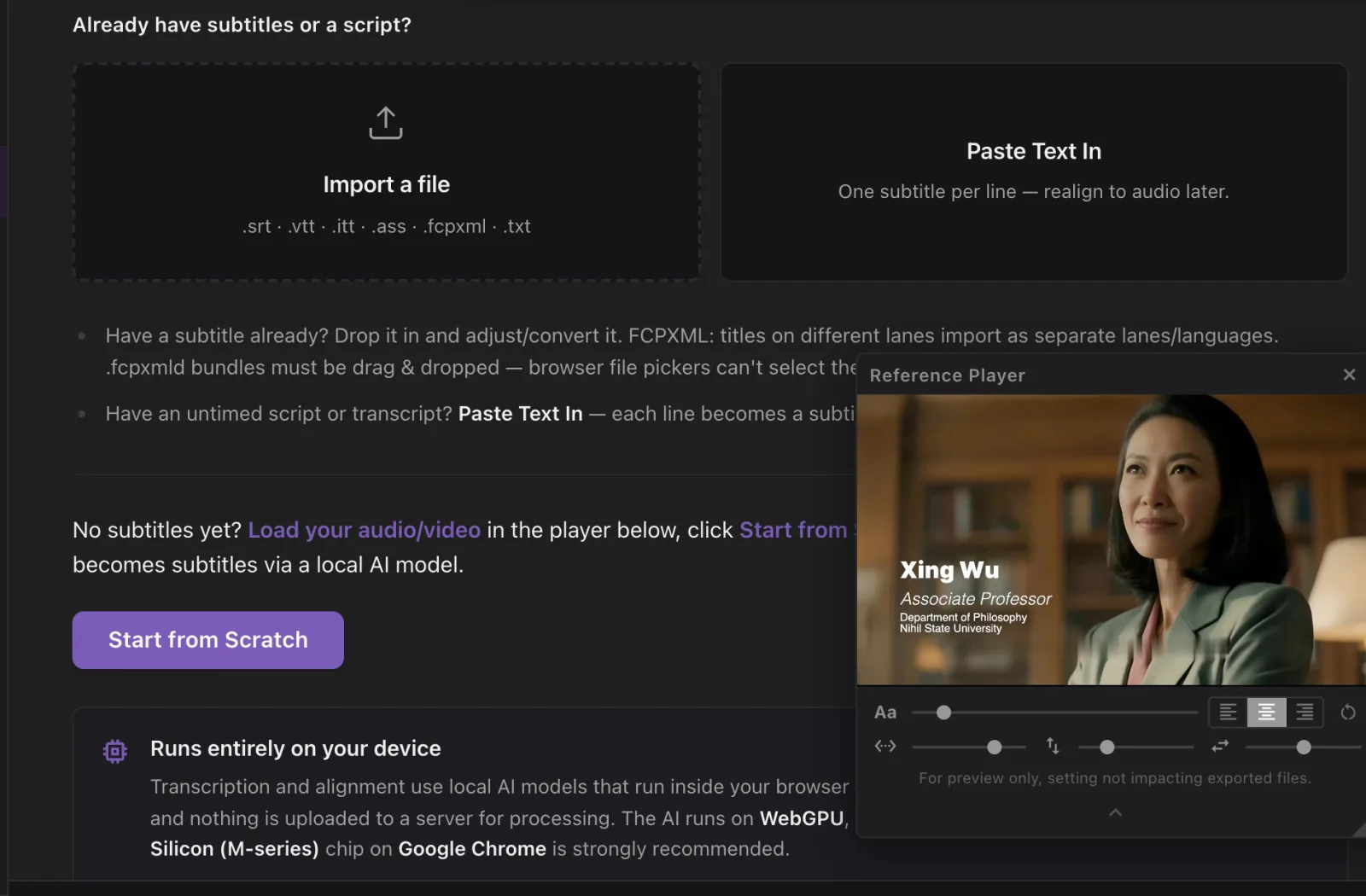
Click Start New, then Load Media and pick your video or audio — MP4, MOV, WAV, MP3 and most audio formats. Then click Start from Scratch.
-
Click Transcribe
Subtitle Wrangler detects the spoken language and picks a model: Parakeet for European languages, SenseVoice for Chinese, Japanese and Korean, Whisper Turbo for the rest. Click TRANSCRIBE, then Transcribe & Replace. The first time, the model downloads once and stays in your browser — about 1.3 GB for Parakeet.
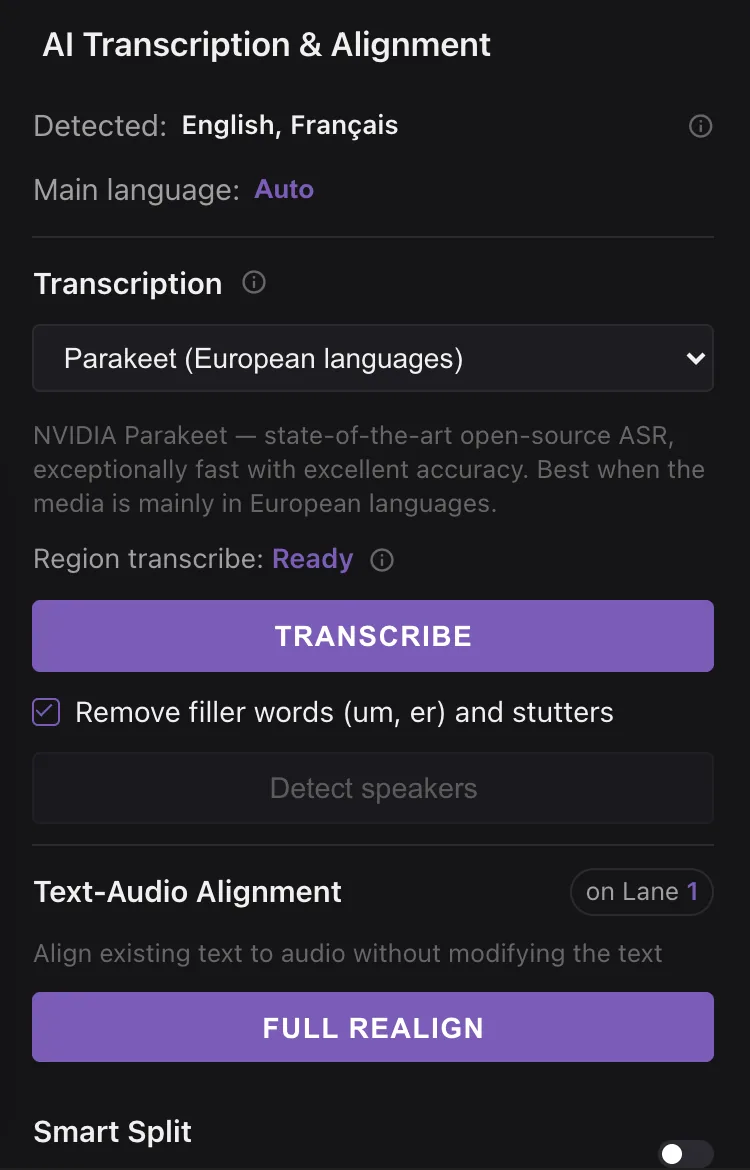
Filler words (um, er) and stutters are removed by default. Untick Remove filler words for a verbatim transcript.
-
Fix text and timing in the editor
Each subtitle is a row in the list and a block on the waveform. Double-click to fix a word, drag a block’s edges to retime it, press B and click a word to split there, ⌘J to join, ⇧B to join and re-split. Subtitle Wrangler is built for this step — the shortcuts follow Final Cut Pro’s.
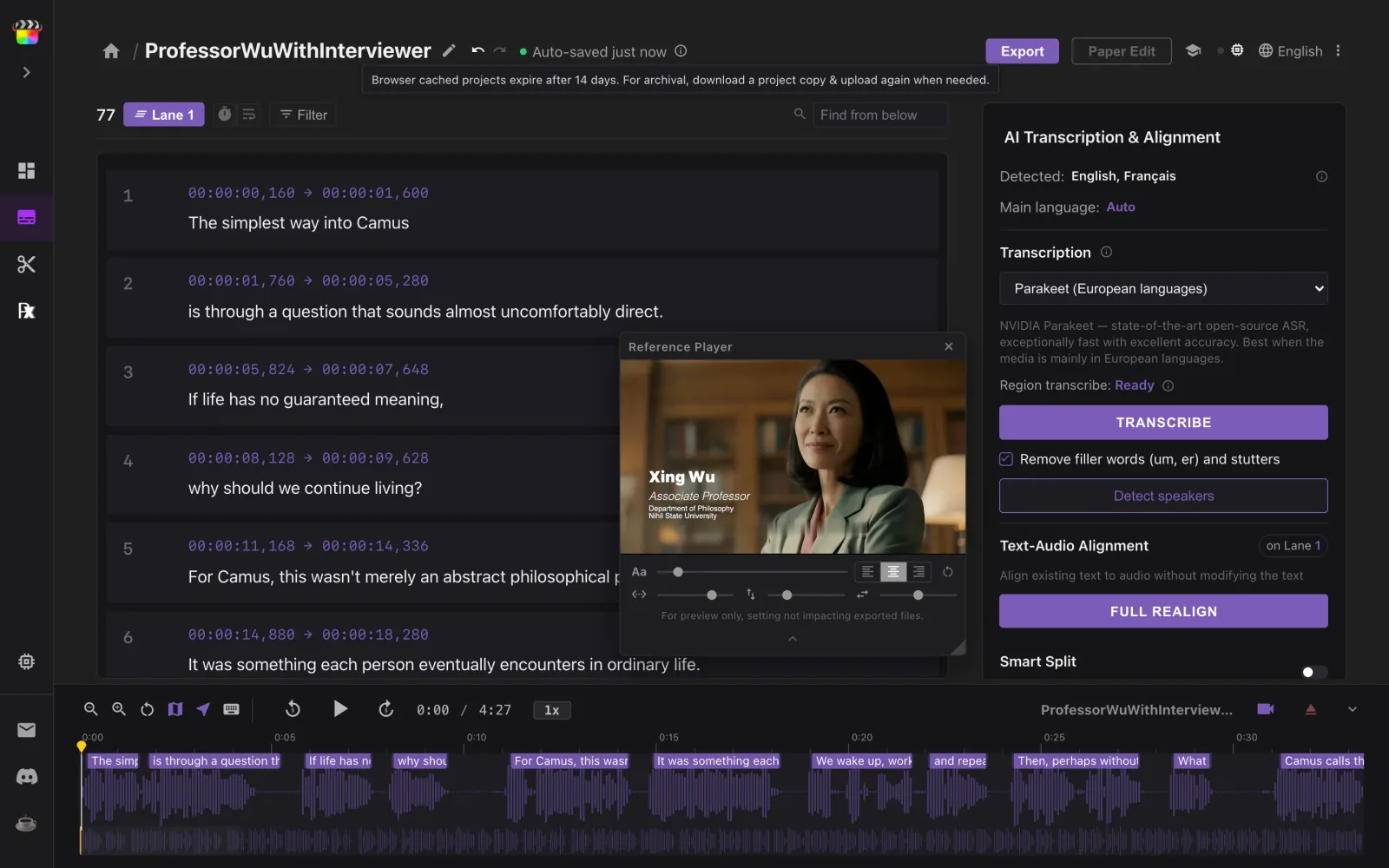
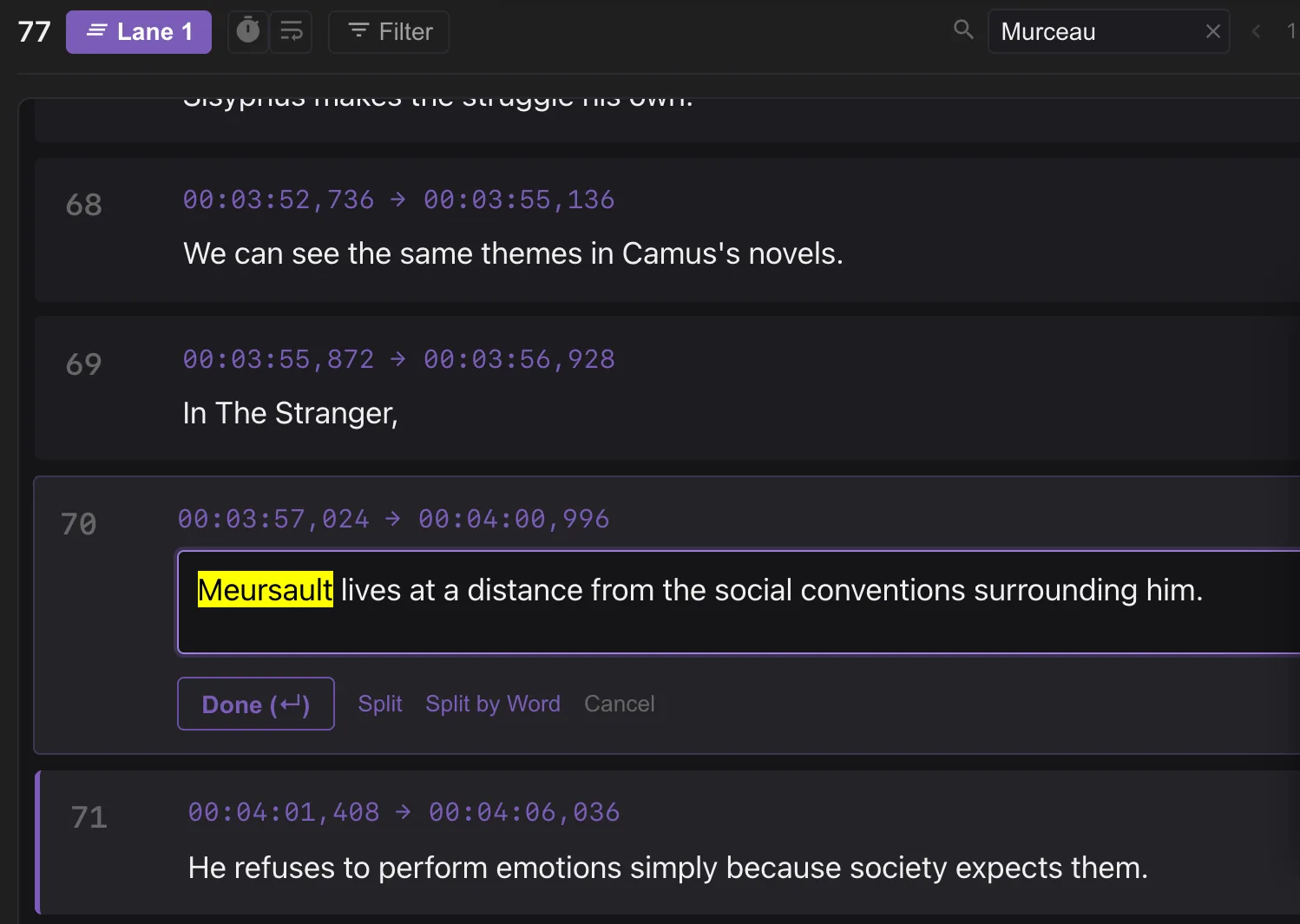
Several people talking? Click Detect speakers to tag who says what.
-
Export FCPXML titles
Click Export, set the frame rate and frame size of your Final Cut Pro timeline, then click .fcpxml (FCP Titles). Need an SRT instead? Click .srt in the same dialog.
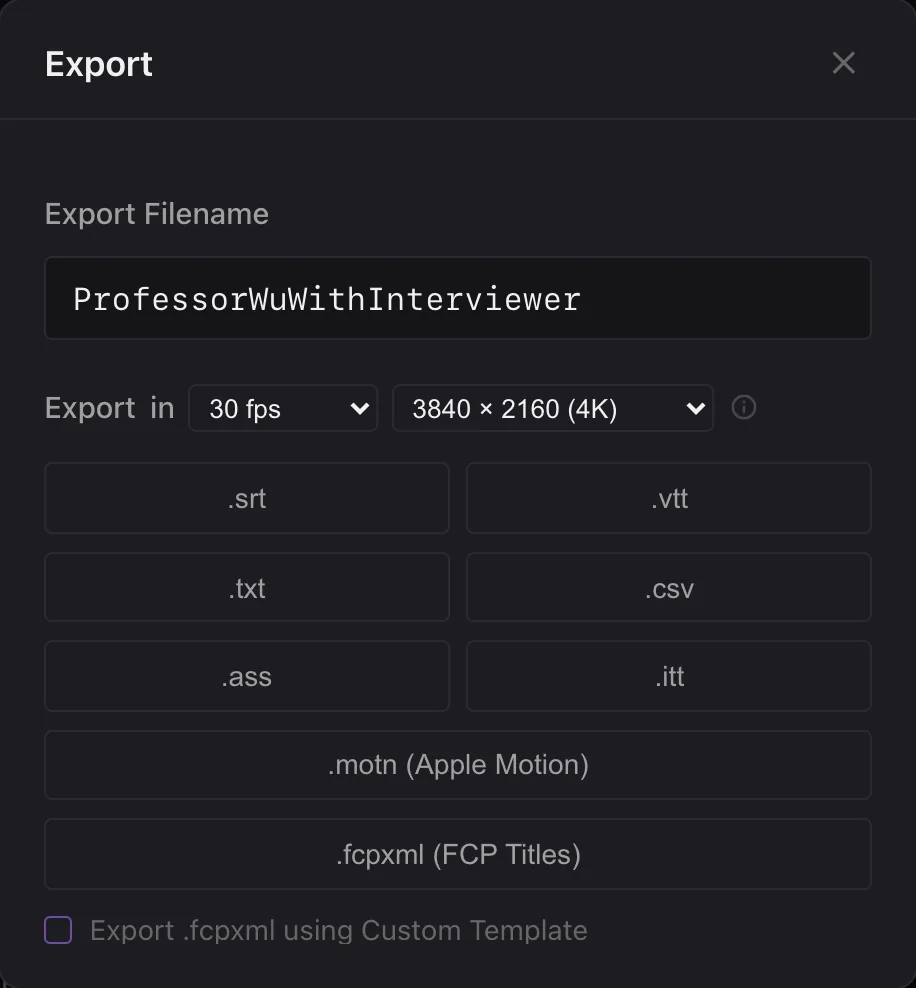
Want your own title style? Tick Export .fcpxml using Custom Template and drop in an .fcpxml with one styled title.
-
Import into Final Cut Pro
In Final Cut Pro, choose File ▸ Import ▸ XML… and select the file. The titles arrive in a new event named Imported Subtitles — copy them into your own timeline.
Good to know
Is my video uploaded?
No. The AI runs in your browser, on your computer — your audio and video never leave it. Only the model is downloaded, once.
Which languages does it transcribe?
Parakeet covers 25 European languages. SenseVoice covers Chinese (Mandarin and Cantonese), Japanese and Korean. Whisper Turbo handles most other languages.
What browser and computer do I need?
A browser with WebGPU: Chrome 122+, Safari 18.2+ or Edge 122+. Transcription is hardware-heavy — a Mac with Apple Silicon (M-series) on Google Chrome is strongly recommended.
How long does it take?
The model downloads once, which can take a few minutes. After that, Parakeet transcribes much faster than real time on a recent computer; Whisper Turbo is slower.
Can I use the transcript as-is?
Often close, never perfect: names, jargon and overlapping speech need a pass. That pass is what Subtitle Wrangler is built for — B lets you split at any word, ⌘J joins, ⇧B joins and re-splits, and cues retime by dragging on the waveform.