How to export Final Cut Pro
titles to SRT
Export your project as FCPXML from Final Cut Pro, open the .fcpxml in Subtitle Wrangler and click .srt (or VTT, ITT, ASS, TXT, CSV and Apple Motion). Every title becomes a subtitle with its timing — and because Subtitle Wrangler is a subtitle editor, you can fix text and timing before you save.

Steps
-
Export XML from Final Cut Pro
Open the project in the timeline, then choose File ▸ Export XML… and save the file.
Saved a .fcpxmld bundle? Drag it onto Subtitle Wrangler — browser file pickers can’t select bundles.
-
Open it in Subtitle Wrangler
Click Start New, then Import a file and pick your .fcpxml — or drag it onto the page. Titles on different lanes come in as separate lanes.

-
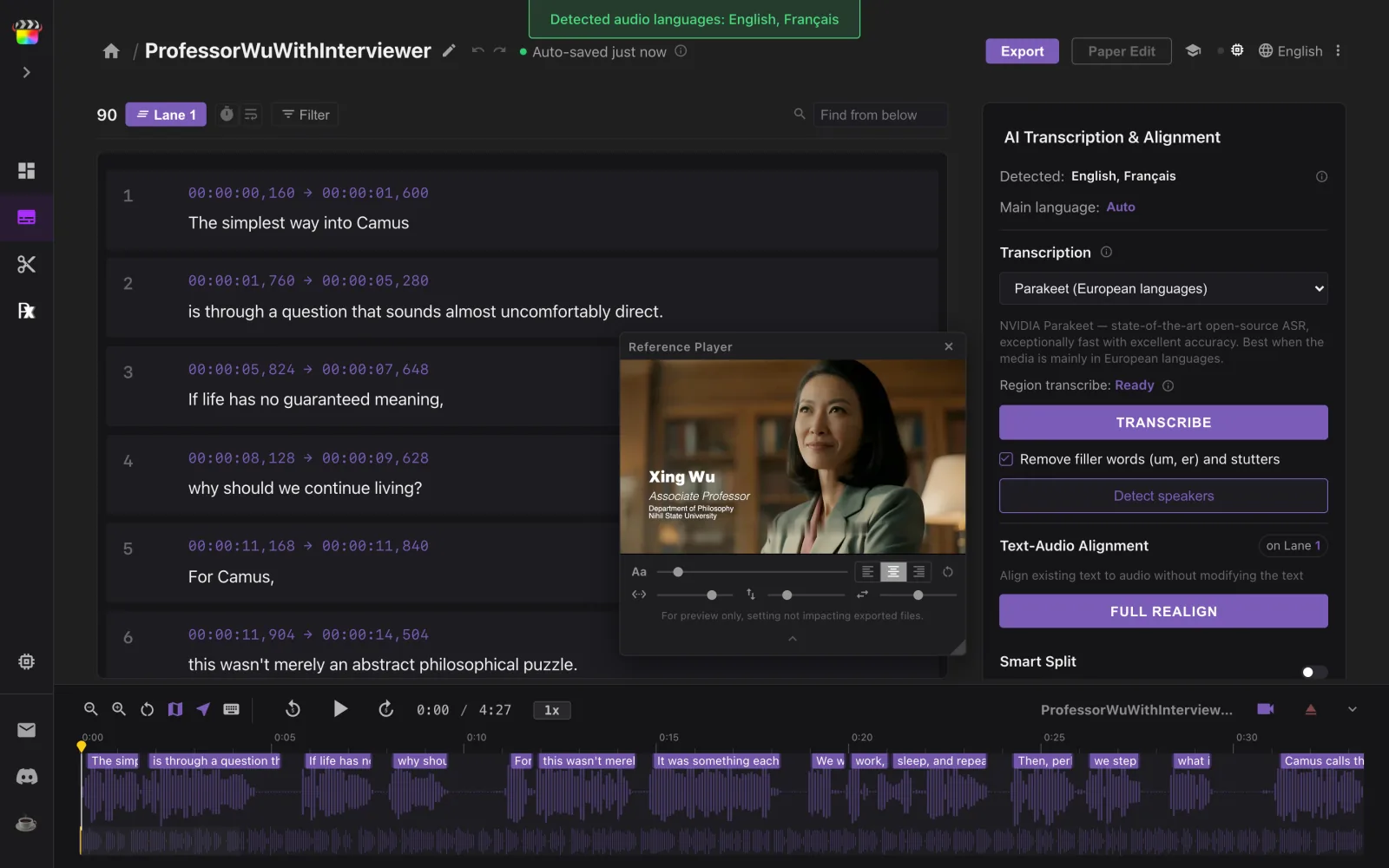
Check the text and timing
Every title is now a subtitle you can edit. Double-click to fix a typo. Press B and click a word to split there, ⌘J to join, ⇧B to join and re-split. If you prefer to work along media. Load your file to retime cues on the waveform. Subtitle Wrangler is built for this step.
-
Export SRT
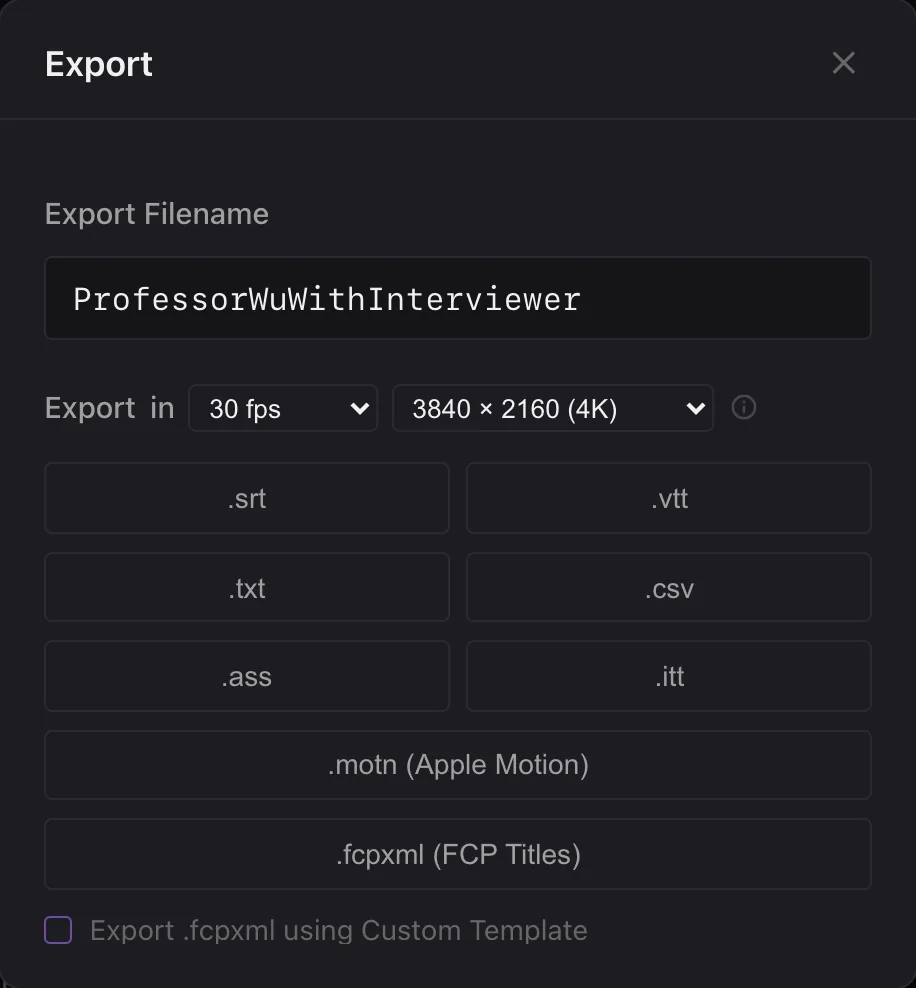
Click Export, choose a lane or All Lanes, then click .srt. The same dialog saves VTT, ASS, ITT, TXT, CSV and Apple Motion (.motn).
Good to know
Does it keep fonts, colors and positions?
No. SRT is plain text with timings, so only the words and the in/out times carry over.
I have two languages on two lanes.
Each title lane imports as its own lane. Export one lane at a time, or pick All Lanes and turn on Separate lanes as separate files (.zip) to get one SRT per lane.
Are Final Cut Pro captions included?
No — it reads titles only. Captions made with Final Cut’s caption tools are not imported. You can export them from Final Cut Pro as an .itt file instead, open that here, edit, and export again in any format you want.
Can I fix the subtitles before exporting?
Yes. Double-click to fix a word, press B and click a word to split there, ⌘J to join. Load your video and drag cues on the waveform to retime them.
Can I export to Apple Motion?
Yes. Click .motn (Apple Motion) in Export: every subtitle becomes its own text layer with its in and out points, ready to animate in Motion. It exports one lane at a time, as a 1920 × 1080, 29.97 fps Motion project.